How to run a Last Man Standing at work (without the spreadsheet)
Champs FC ·
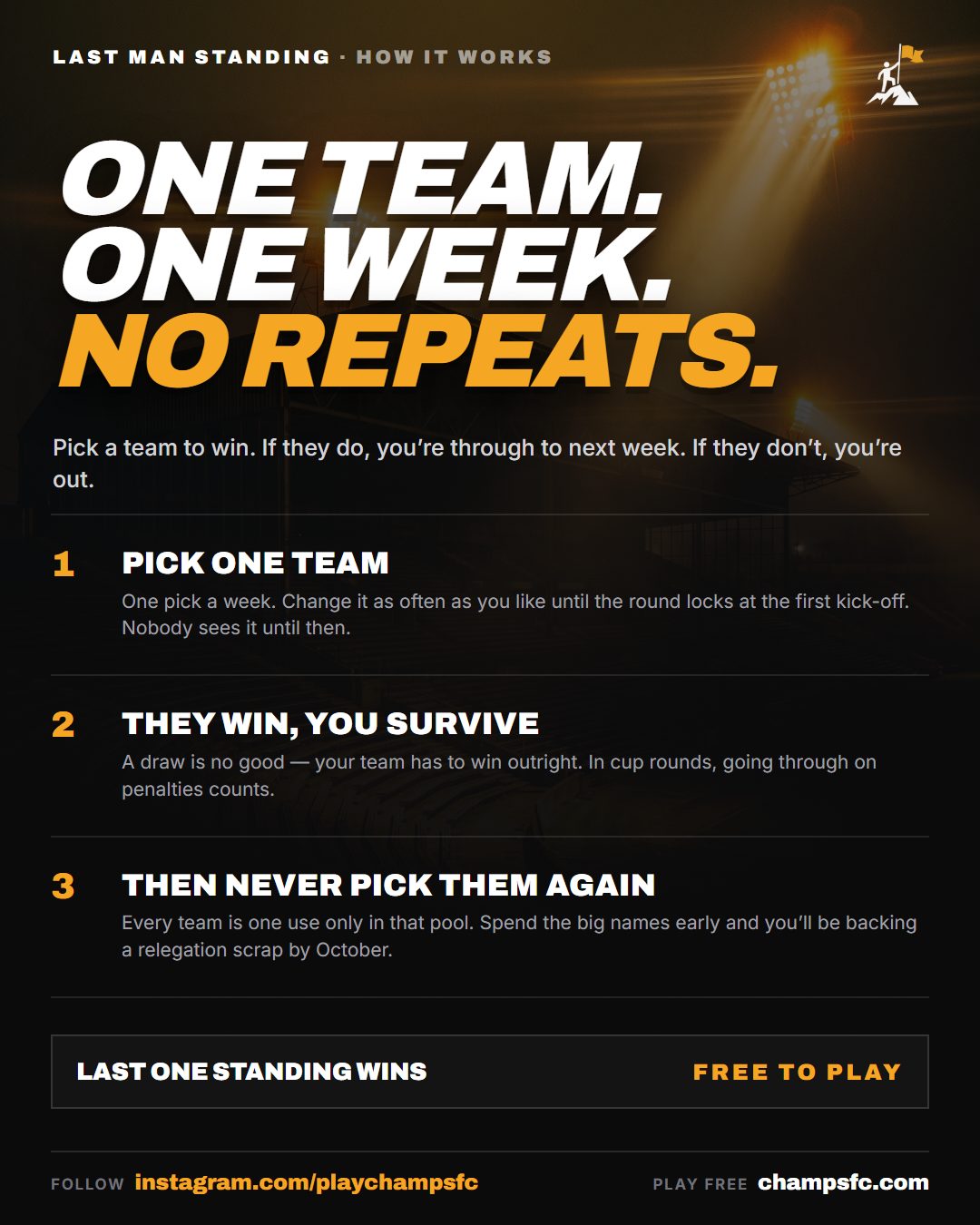
An office Last Man Standing is one of the easiest football games to run at work. Everyone picks one Premier League team a week. If your team wins, you're through. If it loses or draws, you're out. You can't use the same team twice, and the last one left wins.
The hard part has always been the admin: chasing picks on WhatsApp, checking results on Sunday night, keeping a spreadsheet of who's used which team. Here's how to run one without any of that.
1. Agree the basics before you start
Get these settled in the group chat first, so nobody argues in November:
- What you're playing for. Bragging rights, a trophy for the desk, the loser buys the coffee. Keep it simple.
- When it starts. A pool begins at the next matchweek that's open for picks, so set it up a few days before that deadline to give people time to join. A clean start after an international break works well.
- The rules. Win to survive, a draw is out, no team twice. That's all most groups need. Ours are written up here if you want something to point people at.
2. Set up a private pool
On Champs FC, a private Last Man Standing pool takes about a minute. It's free, and there's no entry fee for anyone who joins. Give the pool a name and you'll get a join link. It starts from the next matchweek that's open for picks.
As the organiser you can:
- see everyone who's joined
- make someone else an organiser, so you're not the only one chasing
- write down what the winner gets, and a forfeit for the first person out, so everyone can see it on the pool page
3. Get people in
Drop the join link in the team chat and pin it. Tell people three things:
- It's free and takes a minute to sign up.
- You make one pick a week, and you can change it until the first kick-off of the round.
- Nobody can see your pick until the round locks, so there's no copying the office know-it-all.
Then send one reminder the day before the first round. That usually gets the stragglers.
4. Let it run itself
This is the part the spreadsheet can't do. Once the pool's running:
- Picks lock automatically at the first kick-off of each matchweek.
- Results settle themselves. Nobody has to check scores and cross names off.
- Used teams are tracked for everyone, so nobody can pick Arsenal twice by accident.
- Missed a week? You get an auto-pick. An unused team is picked for you, so nobody's knocked out for being on leave.
A word of warning on that last one. In our first Global Pool season, 80 players missed the deadline in Matchweek 2 and all of them were auto-picked onto a team that lost. Tell your players to get their picks in early.
5. Keep people talking
The fun of an office Last Man Standing is the Monday morning chat. A few things that help:
- Post the round's results in the chat after the weekend: who went out, and who's hanging on with a brave pick.
- Name the first one out. A small forfeit for the first person eliminated keeps everyone interested even after they've gone.
- Run it back. When someone wins, start a new season straight away. Last season's players can join the new one without a code.
What if everyone goes out in the same week?
It happens more than you'd think, usually on a weekend of shock results. Nobody's eliminated: the round is voided, everyone gets that week's team back, and the same group plays on. The game always ends with one winner.
Ready to set one up?
It's free, it takes a minute, and you'll never open that spreadsheet again. Start a pool on Champs FC and send the link to your team.
More from the blog
Take
Spurs spent £300m and are bottom of the Premier League
Recap
Last Man Standing Season 1 recap: 171 players, five matchweeks, one winner
Free entry, no purchase necessary, 18+. Full terms in the Terms. Please play responsibly.